
Dominate The Pooler Map Pack With Verifiable Geo-Grid Data
Engineer Your Local Map Pack Dominance
Stop paying agencies for vague traffic metrics. We turn red ranking grids into green across Pooler, Port Wentworth, and Savannah. If your Google Business Profile is not in the top three spots, you are bleeding revenue to competitors.
Verifiable Geo-Grid Results In Chatham County
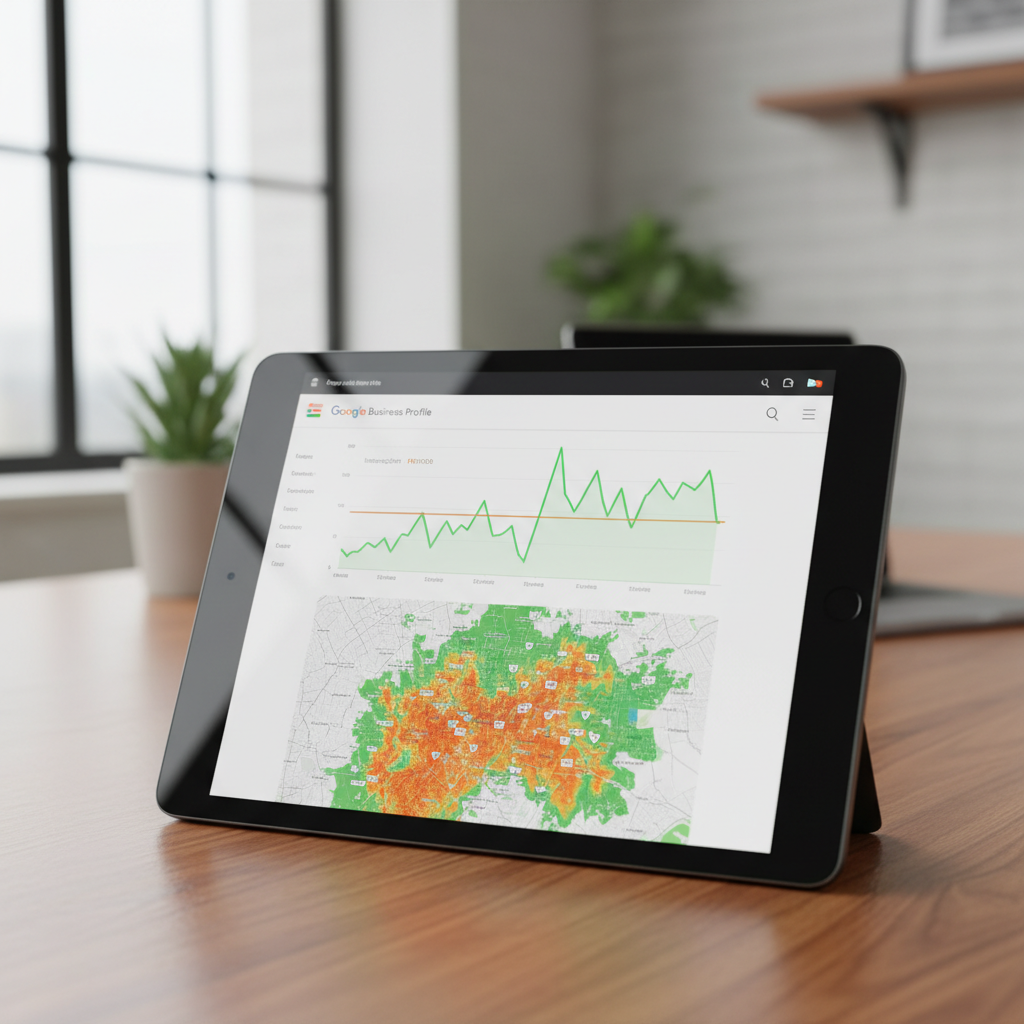
HVAC Contractor, Pooler
Before: Stuck at position 8-12 for AC repair near me outside a 2-mile radius.
After: Secured the #2 Map Pack position across a 15-mile radius covering Port Wentworth and Rincon.
⏱ 45 days
Personal Injury Firm, Savannah
Before: Invisible in the Local Finder for high-intent car accident queries.
After: Generated 41 tracked inbound calls directly from the Google Business Profile in one month.
⏱ 90 days
Roofing Company, Guyton
Before: Red geo-grid showing position 20+ for all commercial roofing terms.
After: Achieved 85% green nodes in positions 1-3 across the entire target service area.
⏱ 60 days
The Map Pack Engineering Protocol
1
Extract Baseline Geo-Grid Data
We run a 13×13 node grid scan across Pooler to pinpoint exactly where your Google Business Profile drops out of the top three. This establishes the mathematical baseline for your campaign.
2
Execute Entity & Citation Alignment
We audit your NAP data across primary data aggregators and local directories. Any discrepancies confusing the Google algorithm are systematically overwritten and locked.
3
Deploy Proximity Optimization Tactics
We build local relevance signals through hyper-local content, review velocity management, and structured data targeting Savannah and surrounding areas. Your grid turns green node by node.
84%
Average Grid Improvement
Percentage of ranking nodes moving from positions 4+ into the top 3 Map Pack spots for our Pooler clients.
13×13
Node Grid Resolution
We measure local search visibility across 169 distinct geographic points to ensure you actually rank where your customers live.
14
Day Implementation Cycle
The exact time it takes Lev Brovtsev to deploy your foundational Google Business Profile optimizations and initiate local signal generation.
Why Vague SEO Metrics Fail Local Businesses
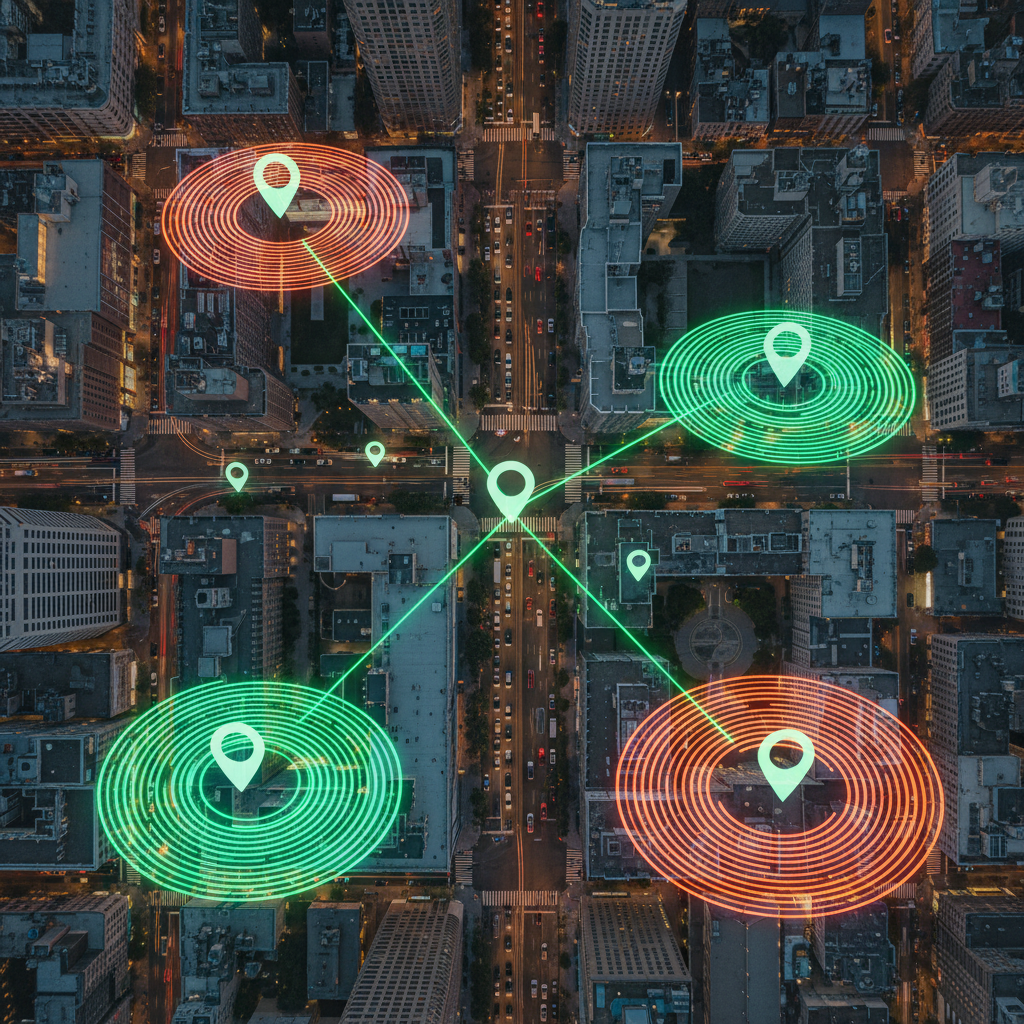
🗺️ Verifiable Geo-Grid Reporting
Traffic graphs do not pay your bills. We provide raw before and after grid screenshots showing exactly how your ranking radius expands across Rincon and Port Wentworth.
⭐ Review Velocity Engineering
Google Maps algorithms heavily weight the frequency and recency of reviews. We implement automated systems that capture five-star ratings from your actual customers on a mathematical schedule.
⚙️ Local Entity Optimization
Your Google Business Profile is a database entity. We structure your categories, attributes, and Q&A sections to feed the exact relevance signals the algorithm demands for Pooler searches.
🗑️ Spam Eradication
Fake competitor listings push your legitimate business down the maps. We actively hunt and report keyword-stuffed competitor profiles to Google, clearing the path for your ascent.
📊 Direct Practitioner Access
You work directly with Lev Brovtsev. No account managers, no outsourced customer service reps, and absolutely zero fluff reporting.
Frequently Asked Questions
Why am I ranking in Pooler but invisible in Savannah?
Google Maps relies heavily on proximity. To rank outside your immediate physical address, we must build hyper-local relevance signals and location-specific authority to overcome the distance filter.
How long does it take to see my geo-grid turn green?
Foundational entity corrections take 14 days. Measurable grid expansion typically occurs between days 45 and 60, depending on the exact keyword competition in your specific service area.
Do you guarantee a number one spot in the Map Pack?
Anyone guaranteeing a permanent number one spot is lying to you. We guarantee mathematical execution of proven local search signals that have consistently generated top-three placements for our clients.
What happens if my Google Business Profile gets suspended?
Suspensions happen during aggressive optimization or algorithmic updates. We handle the entire reinstatement protocol directly with Google support, usually resolving the issue within 72 hours.
Stop Bleeding Local Leads To Your Competitors
Request your baseline 13×13 geo-grid scan today. See exactly where your business falls out of the Map Pack in Pooler and Savannah.
Written & Reviewed By
Lev Brovtsev
Performance Marketing Consultant | Google Ads · SEO
Lev Brovtsev is a seasoned Performance Marketing Consultant with a deep specialization in Google Ads and Search Engine Optimization. With years of experience managing both paid and organic traffic strategies, Lev has established himself as an authority in the digital marketing landscape. His professional background includes a significant tenure as a Digital Marketing Manager in Los Angeles, where he honed his skills in driving measurable growth for diverse businesses. At rankyourgmbnow.com, Lev leverages his technical expertise to help businesses navigate the complexities of local search and visibility. He is particularly adept at integrating performance-driven tactics with organic SEO principles to ensure maximum reach and conversion. His analytical approach and hands-on experience with Google’s advertising ecosystem make him a trusted voice for those looking to dominate their local markets. Lev is dedicated to staying ahead of industry trends and algorithm updates, ensuring that his strategies remain effective in an ever-evolving digital environment. He is deeply passionate about empowering business owners with the tools and knowledge they need to achieve sustainable online success.
Latest from Our Blog

How to Use Map Tracking Tools to Outsmart Your Closest Competitor
How to Use Map Tracking Tools to Outsmart Your Closest Competitor I spent three months fighting a hard suspension for…
How to Eliminate Mixed Language Content from Your Map Profile
I am standing on a corner where the air smells like wet concrete. The rain just stopped, but the digital…
How to Audit Your Business Profile for Language Inconsistencies
I remember the smell of wet concrete after a summer storm when the phone rang at midnight. It was a…